From Phone Snap to Perfect Shot: A Beginner's AI Guide to E-commerce Photography
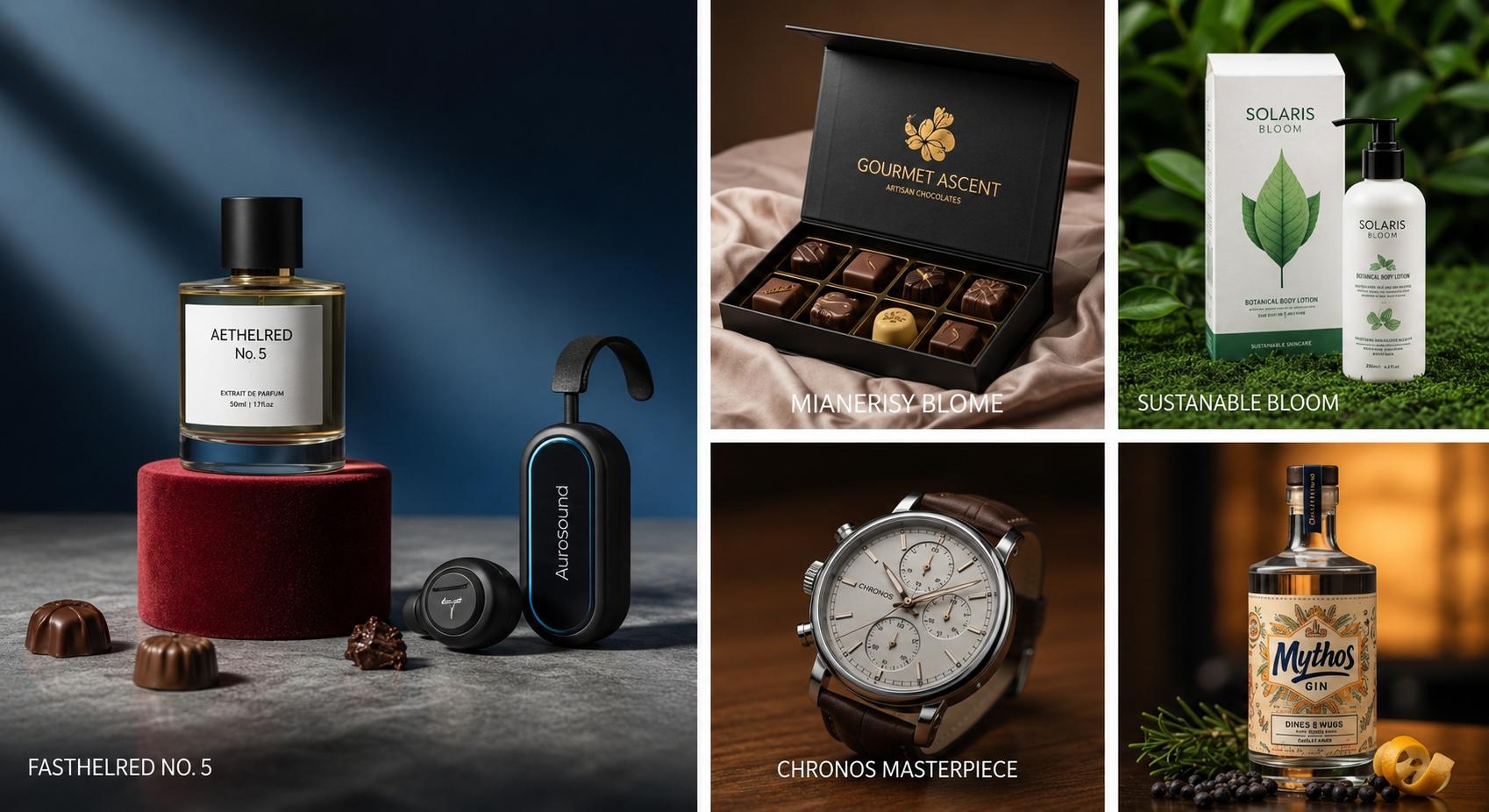
If you're running an e-commerce store, you know that high-quality product photos are non-negotiable. But the idea of professional photoshoots can be intimidating, bringing to mind expensive cameras, complex lighting setups, and baffling editing software. What if you could achieve stunning, catalog-ready images using just your smartphone and a few powerful, user-friendly AI tools?
Good news: you can. As of 2025, AI-powered photo editing has moved from a novelty to an essential toolkit for savvy entrepreneurs. These tools automate the most tedious parts of photo editing, allowing you to create professional-grade visuals in minutes, not hours. This guide will walk you through a simple, step-by-step workflow to transform a basic product photo into a polished, conversion-driving asset. No technical expertise required.
Before You Begin: The "Good-In, Better-Out" Rule
AI is powerful, but it works best with a decent starting image. You don't need a professional camera, but follow these simple tips when taking your photo:
- Good Lighting is Key: Natural light is your best friend. Place your product near a window on an overcast day for soft, even light. Avoid harsh, direct sunlight.
- Steady Your Shot: Use a small tripod or simply prop your smartphone against a stack of books to avoid blur.
- Clean Background: Place your product on a plain, solid-colored surface like a white poster board or a clean table. This makes the AI's job much easier.
The AI-Powered Workflow
5 Steps to a Perfect Product Image using apps like PhotoRoom, Pixelcut, or Canva.
1.The Instant Cutout (Background Removal)
The Goal: Isolate your product on a transparent background, making it versatile for any use. This is the most game-changing AI feature for e-commerce. Manually cutting out a product used to take ages; now it's a single click.
How to do it:
Open your chosen AI photo app and upload your product picture. The app's AI will automatically detect the main subject and instantly remove the background. You'll be left with a perfect "cutout" of your product. You can usually fine-tune the edges, but the AI gets it right over 95% of the time.
2.The Flaw Fixer (Smart Retouching)
The Goal: Remove any distracting dust, smudges, or minor imperfections on your product. Even the cleanest products can have tiny blemishes that show up on camera. AI "magic eraser" tools make them vanish.
How to do it:
Look for a tool labeled "Retouch," "Magic Eraser," or "Object Removal." Zoom in on the imperfection you want to remove. Simply brush your finger or cursor over the blemish, and the AI will analyze the surrounding pixels to make it disappear seamlessly.
3.The Glow-Up (Image Enhancement)
The Goal: Improve the overall quality, sharpness, and lighting of your product photo. Sometimes a photo can look a little dull, soft, or poorly lit. AI can fix this automatically.
How to do it:
Find a feature called "Enhance," "Adjust," or "Upscale." With one tap, the AI will analyze your image and perform several adjustments at once: correcting color balance, improving brightness and contrast, and sharpening key details to make your product "pop".
4.The Scene Setter (AI Backgrounds)
The Goal: Place your product in a compelling, realistic lifestyle setting without a physical photoshoot. A clean white background is essential, but lifestyle shots sell the story.
How to do it:
Select your product cutout and navigate to "Backgrounds" or "AI Scenes." Choose the "Generate" option and type what you want to see (e.g., "On a white marble bathroom counter next to a green plant"). The AI will generate several photorealistic options for you.
5.The Finisher (Shadows & Templates)
The Goal: Add realism and create a consistent look for all your products. A product just floating on a background can look fake. A simple shadow grounds it in reality.
How to do it:
Select your product and look for an "Effects" or "Shadows" option. Choose an AI-generated shadow that matches the lighting of your scene. Bonus: Save your final look as a template to ensure consistency across your store.
You're Ready to Launch
That's it. In just a few minutes, you’ve gone from a simple smartphone photo to a suite of professional-grade e-commerce images. The era of gatekept, expensive product photography is over. By embracing these intuitive AI tools, you can take full control of your brand's visual identity, launch products faster, and create the stunning images you need to compete and win in the digital marketplace.